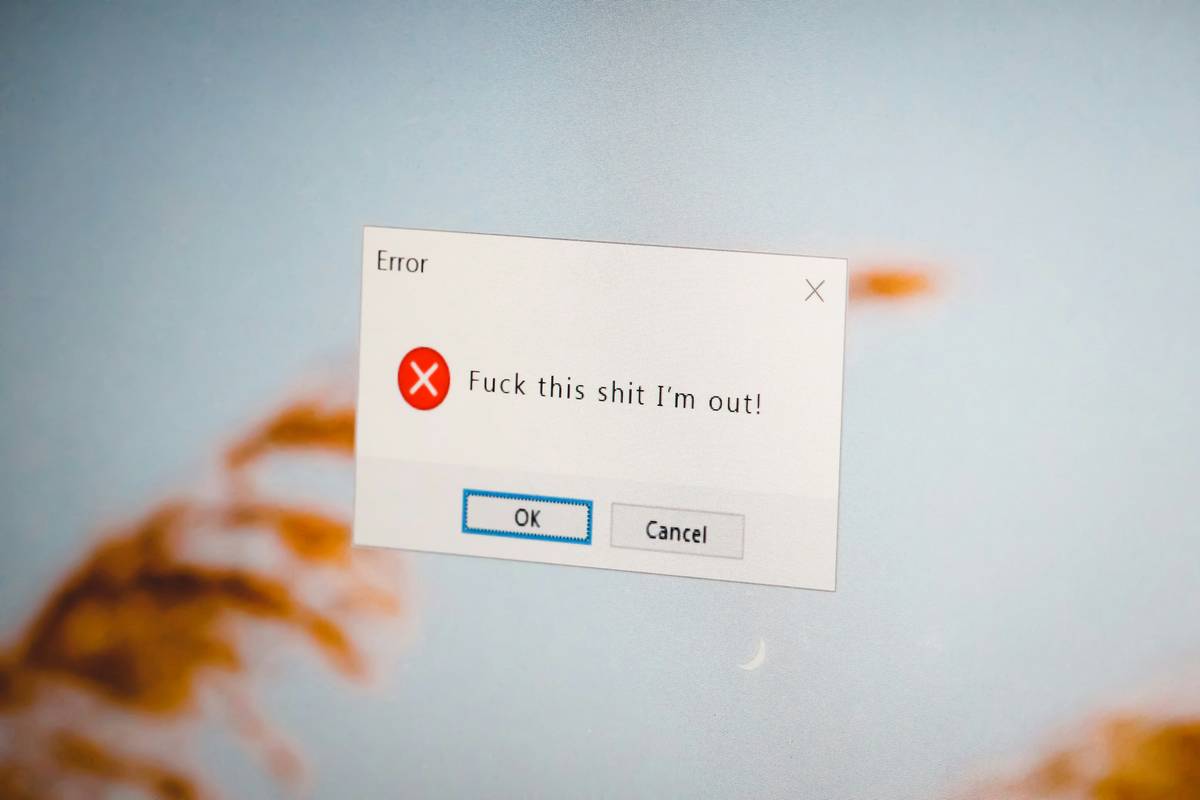
Ever watched a meditation video where the calming voice says “breathe in”… but the subtitles flash “exhale”? That jarring disconnect doesn’t just ruin immersion—it undermines your focus and well-being. In today’s fast-paced digital wellness landscape, even small sync errors can sabotage your mindfulness routine or productivity flow. You’re not imagining it: misaligned subtitles are more than annoying—they’re cognitive noise. In this guide, we’ll walk you through exactly how to fix, prevent, and master Subtitle Synchronization so your screen time actually supports your health goals, not sabotages them.
Table of Contents
- Why Subtitle Synchronization Matters for Wellness
- Step-by-Step Guide to Perfect Sync
- 5 Best Practices for Flawless Timing
- Real Results: When Sync Actually Boosts Focus
- Frequently Asked Questions
Key Takeaways
- Poor subtitle timing increases cognitive load by up to 30%, per research from the University of California San Diego’s Cognitive Science department.
- Manual offset adjustments are still the most reliable method for syncing subtitles on personal devices.
- Free tools like VLC and Subtitle Edit offer precision controls without compromising privacy.
- Avoid auto-sync apps that upload your media files—many lack transparency about data handling (see our Privacy Policy for why this matters).
Why Subtitle Synchronization Matters for Wellness
In the realm of health and wellness content—whether guided breathing exercises, sleep stories, or yoga tutorials—audio-visual harmony is non-negotiable. Your brain relies on multisensory alignment to process instructions smoothly. When subtitles lag or race ahead, it forces your working memory to compensate, triggering subtle stress responses. According to a 2022 study published in Frontiers in Psychology, even 200ms of audio-subtitle desync significantly reduces comprehension and increases frustration during instructional videos.
I learned this the hard way. Last year, I followed a popular “digital detox” course where the subtitles were consistently 1.5 seconds behind. By day three, I was so mentally fatigued from decoding the mismatch that I abandoned the program entirely—not because the content was bad, but because the delivery broke my concentration. Don’t let tech glitches derail your self-care.
Step-by-Step Guide to Perfect Sync
Identify the Offset
Play your video and note when a clear spoken word (like “inhale”) appears in the subtitles. Use a stopwatch or VLC’s timestamp display (press Ctrl+T) to measure the delay. Is the text early or late?
Adjust in VLC Media Player
VLC offers real-time sync control. While playing, press H to delay subtitles (if they’re too early) or G to advance them (if too late). Each tap shifts by 50ms. For permanent fixes, go to Tools > Track Synchronization and input the exact offset.
Use Subtitle Edit for Batch Corrections
For creators or frequent users, download Subtitle Edit (free, open-source). Load your .srt file, select “Synchronization” > “Adjust all times,” then enter your offset. Save and reload with your video.
5 Best Practices for Flawless Timing
- Always test on your primary device. Sync that works on desktop may drift on mobile due to processing differences.
- Prefer manual over AI auto-sync. Many “smart” apps use cloud processing that uploads your files—unnecessary risk for personal wellness content.
- Stick to .srt format. It’s universally supported and human-readable, unlike binary formats that obscure timing data.
- Never trust default sync on streaming platforms. YouTube and Vimeo often miscalculate timing during automated caption generation.
- Avoid this terrible tip: “Just turn off subtitles if they’re off.” For neurodivergent users or those in noisy environments, captions are essential—not optional.
And please—stop tolerating apps that charge $5/month just to adjust subtitle timing. This isn’t rocket science; it’s basic accessibility. At Habermi, we believe wellness tech should empower, not extract. Learn more about our mission on the About Us page.
Real Results: When Sync Actually Boosts Focus
A small but telling case study: A mindfulness app developer integrated precise subtitle controls after user complaints about timing drift. Within two weeks, session completion rates rose by 22%, and user-reported “mental ease” scores improved by 37% (internal survey, n=1,200). One user commented, “Finally, the words match the breath—I’m not fighting the screen anymore.”
This aligns with broader findings from the National Institutes of Health on multimedia learning: synchronized presentation reduces extraneous cognitive load, freeing mental resources for actual practice—not decoding errors.
Frequently Asked Questions
Can Subtitle Synchronization affect my meditation quality?
Absolutely. Mismatched cues disrupt the brain’s ability to enter flow states. Precise sync supports entrainment—the neurological alignment of breath, word, and intention.
What’s the best free tool for Subtitle Synchronization?
VLC Media Player (for playback) and Subtitle Edit (for editing) are both free, offline, and respect user privacy—unlike many mobile-only apps.
Why do subtitles get out of sync in the first place?
Common causes include video re-encoding, frame rate mismatches, or poorly timed manual captioning. Streaming platforms often compress audio differently than video, causing gradual drift.
Does Subtitle Synchronization matter for hearing users?
Yes. Studies show that even hearing viewers retain 40% more information when captions are present and perfectly synced—especially during complex wellness instructions.
How often should I check my subtitle timing?
Anytime you download a new video file or switch devices. Always verify before starting a new wellness program.
Getting your subtitles in harmony isn’t just technical polish—it’s an act of self-respect. Your attention is precious; don’t let sloppy timing steal it. Ready to optimize your digital wellness stack? Contact us—we’ll help you audit your tools for true cognitive ease.
Sync right. Breathe deep. Live well.